
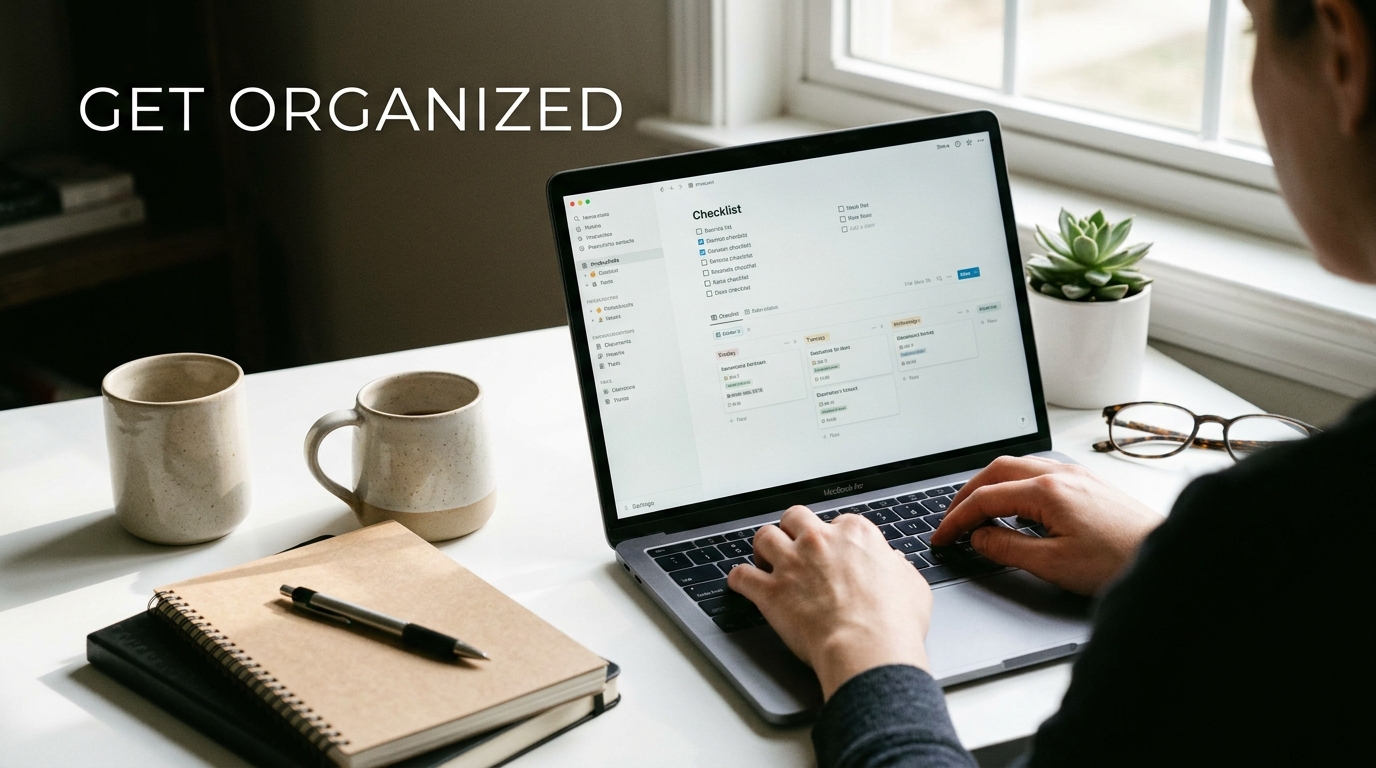
Looking to level up your personal productivity game? Say hello to Notion – the all-in-one workspace that’s taking the world by storm. With its sleek design and endless customization options, Notion is the perfect tool to help you organize your life and boost your efficiency. Whether you’re a busy professional, a student with a hectic schedule, or just someone looking to get more done in less time, Notion has got you covered. From to-do lists and project management to note-taking and habit tracking, this powerhouse app can do it all. So, if you’re ready to supercharge your productivity and take control of your daily tasks, dive into the world of Notion and watch your efficiency soar.
Setting up Notion for Personal Productivity
Notion is a powerful tool that can be customized to enhance personal productivity. To start setting up Notion for personal productivity, it’s essential to first define your goals and priorities. Create a clear structure by organizing your workspace with relevant categories and pages that align with your workflow. Utilize different views such as lists, boards, or calendars to visualize your tasks and projects effectively. Customize your workspace by adding relevant databases, templates, and integrations to streamline your workflow.
Using Templates in Notion
Templates in Notion are pre-designed structures that can help you quickly set up new pages or databases. Explore the wide range of templates available in Notion’s template gallery to find ones that suit your specific needs. Whether you’re looking to manage your daily tasks, track project progress, or organize your notes, there are templates available for various purposes. You can also create your own templates by setting up a page with the desired structure and saving it as a template for future use. Templates can save you time and effort by providing a starting point for your productivity journey in Notion.
Organizing Tasks in Notion
Notion offers a versatile platform for organizing tasks efficiently and effectively. By utilizing the database feature, users can create customized tables to track tasks, set priorities, deadlines, and even categorize tasks based on projects or contexts. Notion’s flexibility allows for the creation of various views such as Kanban boards, calendar views, or simple lists, providing users with the flexibility to choose the most suitable layout for their workflow. Additionally, users can add tags, mentions, and comments to tasks, enabling seamless collaboration with team members or stakeholders. With the ability to link related tasks, documents, or resources within the same workspace, Notion simplifies task management and boosts productivity.
Using Templates in Notion
Templates in Notion serve as pre-designed layouts that help users kickstart their productivity journey. Whether it’s a project plan, meeting agenda, habit tracker, or content calendar, Notion offers a wide array of templates that cater to various needs. Users can choose from ready-made templates or create their own, saving time and effort in setting up new pages. Customizable templates allow users to tailor the layout, sections, and properties to suit their specific requirements. By leveraging templates, users can maintain consistency across tasks, projects, or workflows, ensuring a structured and organized approach to personal productivity within Notion.

Using Templates in Notion
Templates in Notion are pre-designed layouts that can help you kickstart your projects and workflows with ease. Whether you are setting up a new task list, project tracker, or meeting notes, Notion templates provide a structured framework to work within. By utilizing templates, you can save time on creating layouts from scratch and instead focus on filling in the content that matters most.
Notion offers a wide range of templates for various use cases, from simple to complex. You can also create your own custom templates based on your specific needs. By leveraging templates in Notion, you can streamline your workflow, ensure consistency across your projects, and stay organized more efficiently. Explore the template gallery in Notion to discover ready-made solutions for your personal and professional tasks.
Collaborating with Others in Notion
Collaboration is at the core of Notion’s functionality, allowing teams to work together seamlessly on projects and tasks. With features like real-time editing, commenting, and sharing, Notion makes it easy for multiple users to collaborate on a single workspace. Teams can assign tasks, leave feedback, and track progress in a collaborative environment.
By utilizing Notion for collaboration, teams can centralize communication, share resources, and foster a sense of teamwork. Whether you are working on a group project, planning an event, or managing a team, Notion provides the tools needed to collaborate effectively. With the ability to mention team members, assign tasks, and set permissions, Notion empowers teams to work together efficiently towards common goals.
Collaborating with Others in Notion
Notion is a powerful tool that allows for seamless collaboration with others, making teamwork more efficient and productive. By utilizing Notion’s sharing features, you can invite team members to collaborate on projects, assign tasks, and share information in real-time. The ability to comment, mention, and tag team members within Notion makes communication clear and organized.
Furthermore, Notion’s version history feature ensures that all edits are saved, allowing for easy tracking of changes and ensuring that no information is lost. With real-time editing capabilities, multiple team members can work on a document simultaneously, fostering a collaborative environment that enhances productivity.
Integrating Notion with Other Apps
Notion’s integration capabilities make it a versatile tool that can be seamlessly incorporated into your existing workflow. By connecting Notion with other apps such as Google Calendar, Slack, Trello, or Zapier, you can streamline your productivity and ensure that all your tools work together harmoniously.
Integrating Notion with other apps allows for automated workflows, data synchronization, and enhanced functionality, enabling you to create a customized workspace that caters to your specific needs. Whether you want to pull in data from external sources, automate repetitive tasks, or centralize your information, integrating Notion with other apps can significantly boost your productivity.
Integrating Notion with Other Apps
Integrating Notion with other apps can supercharge your productivity by creating seamless workflows. Notion offers a wide range of integrations with popular tools like Google Calendar, Slack, and Trello. By connecting these apps to Notion, you can centralize your information and streamline your tasks.
For example, you can sync your Google Calendar events directly into Notion, allowing you to have all your schedules in one place. Integrating Slack with Notion enables you to turn messages into actionable tasks effortlessly. Additionally, integrating Trello with Notion can provide a powerful project management solution, combining the flexibility of Trello boards with the organizational capabilities of Notion databases.
Advanced Tips and Tricks for Personal Productivity in Notion
Unlock the full potential of Notion with advanced tips and tricks to boost your personal productivity. Utilize advanced database properties such as formulas, rollups, and linked databases to create dynamic and interconnected systems within Notion. By mastering these features, you can build customized workflows that cater to your specific needs.
Furthermore, leverage Notion’s advanced formatting options, such as inline equations and code blocks, to enhance the visual appeal and functionality of your workspace. Experiment with embedding external content like videos, PDFs, and websites to create a comprehensive knowledge base. With these advanced techniques, you can transform Notion into a personalized productivity powerhouse that elevates your workflow to new heights.
Advanced Tips and Tricks for Personal Productivity in Notion
Boost Your Efficiency with Advanced Notion Features
Notion offers a plethora of advanced features that can take your personal productivity to the next level. Utilize the timeline view to visualize your tasks over a set period, making it easier to plan and allocate time effectively. Incorporate databases for complex data organization, enabling you to create interconnected systems for managing various aspects of your personal and professional life. Take advantage of formulas to automate calculations and streamline processes within your Notion workspace.
Customize Your Workspace for Optimal Productivity
Personalize your Notion workspace with advanced formatting options such as inline equations and code blocks to cater to your specific needs. Utilize linked databases to create dynamic relationships between different pieces of information, allowing for seamless navigation and cross-referencing. Leverage the power of filters and sorting options to quickly locate and prioritize tasks, ensuring that you stay focused and efficient in your personal productivity endeavors.