
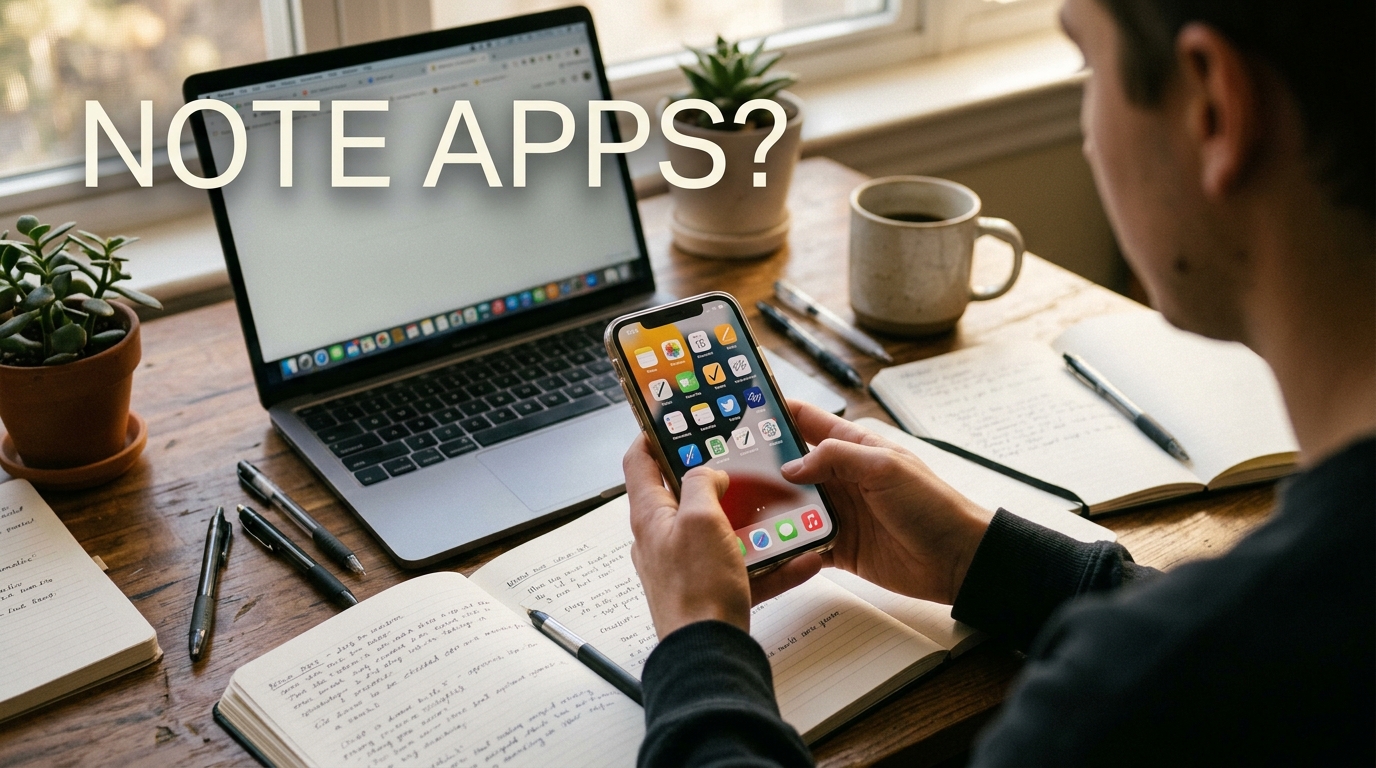
Are you tired of drowning in a sea of sticky notes and scattered notebooks? Say goodbye to clutter and confusion by finding the perfect note-taking app that suits your needs! From organizing your thoughts to enhancing productivity, the right app can revolutionize the way you capture and store information. With a myriad of options available, navigating the world of note-taking apps can feel overwhelming. Fear not! In this guide, we will uncover the key factors to consider when choosing the ideal app for you. So, grab your digital pen and let’s embark on a journey to find the perfect note-taking companion that will elevate your efficiency and creativity to new heights.
Factors to Consider
When choosing a note-taking app for your needs, there are several factors to consider to ensure you select the right one. One crucial factor is the platform compatibility, as you want an app that works seamlessly across all your devices. Another important consideration is the user interface and ease of use, as you’ll want a tool that is intuitive and doesn’t hinder your productivity. Additionally, features such as search functionality, organization options, and collaboration capabilities should also be evaluated to determine if they align with your note-taking requirements.
Features to Look For
While exploring note-taking apps, it’s essential to look for specific features that can enhance your user experience and productivity. Features like syncing across devices, offline access, customizable organization, and integration with other apps or services can significantly impact how effectively you can manage and access your notes. Security features such as encryption and passcode protection are also crucial to keep your information safe. Consider features like handwriting recognition, audio recording, and annotation tools if they align with your note-taking preferences and workflow.
Comparison of Popular Note-Taking Apps
When it comes to choosing a note-taking app, there are several popular options available in the market, each offering unique features to cater to different user needs. One of the most well-known apps is Evernote, which provides a versatile platform for organizing notes, documents, and images. With its robust search capabilities and seamless syncing across devices, Evernote is a favorite among users who need to manage a large volume of information efficiently.
On the other hand, Notion has gained popularity for its flexibility and customization options. Notion allows users to create a personalized workspace with a combination of notes, databases, and project boards. Its collaborative features make it a great choice for teams looking to streamline their workflow and communication. Another contender in the note-taking space is OneNote, which integrates seamlessly with the Microsoft ecosystem and offers a user-friendly interface for capturing and organizing ideas on the go.
Features to Look For
When evaluating note-taking apps, there are several key features to consider to ensure that the app meets your specific requirements. One important feature to look for is cross-platform compatibility, which allows you to access your notes from various devices such as smartphones, tablets, and computers. Additionally, robust search functionality can help you quickly find the information you need within your notes.
Integration with other apps and services can also enhance your productivity by allowing seamless collaboration and workflow management. Customization options, such as the ability to create templates or tag notes for easy organization, can further tailor the app to your individual workflow. Lastly, security features like encryption and two-factor authentication are essential for protecting sensitive information stored in your notes.

Features to Look For
When choosing a note-taking app, it is crucial to consider the essential features that align with your needs and preferences. Look for apps that offer seamless synchronization across devices, ensuring that your notes are accessible anytime, anywhere. Customization options such as different fonts, colors, and formatting tools can enhance the visual appeal of your notes and improve readability.
Furthermore, consider apps that provide robust organization features, such as the ability to create folders, tags, and categories to easily sort and search for your notes. Collaboration tools like sharing options and real-time editing can be beneficial for team projects or group work. Finally, prioritize security features like encryption and passcode protection to keep your sensitive information safe.
User Reviews and Ratings
Before committing to a note-taking app, it is wise to check user reviews and ratings to gain insights into the app’s performance and user satisfaction. Reading reviews can help you understand real-world experiences and identify any common issues or strengths of the app. Pay attention to feedback on usability, reliability, customer support, and overall user experience.
Look for patterns in reviews to determine if the app meets your specific requirements and if users have encountered any deal-breakers. High ratings and positive reviews can indicate a well-loved app with a track record of delivering on its promises. Conversely, low ratings and negative feedback may signal potential red flags that could impact your note-taking experience.
User Reviews and Ratings
When choosing a note-taking app, reading user reviews and ratings can provide valuable insights into the actual user experience. Look for reviews that discuss the app’s ease of use, features, reliability, and overall satisfaction level. Pay attention to both positive and negative reviews to get a balanced perspective on the app’s strengths and weaknesses. Additionally, consider the ratings given by users to get a quick overview of how well the app is received by the community.
Final Thoughts
In conclusion, selecting the right note-taking app for your needs requires careful consideration of various factors such as features, user interface, pricing, and integrations. By comparing popular apps, looking for key features, and reviewing user feedback, you can make an informed decision that aligns with your preferences and workflow. Remember that the best note-taking app is ultimately the one that suits your individual requirements and enhances your productivity.
Final Thoughts
Choosing the right note-taking app can significantly impact your productivity and organization. Consider your specific needs, such as the type of content you’ll be capturing, collaboration features, and ease of use. Reflect on whether you prefer a simple interface or a more robust tool with advanced functionalities. Keep in mind that the best note-taking app is one that seamlessly integrates into your workflow and enhances your efficiency.
Remember to regularly evaluate your chosen app to ensure it continues to meet your requirements. Stay informed about updates and new features that could further improve your user experience. Ultimately, the ideal note-taking app is one that empowers you to capture, organize, and access information effortlessly, helping you stay focused and achieve your goals.
Additional Resources
For more information on note-taking apps, consider exploring online reviews, tutorials, and user forums for in-depth insights and tips. Some popular resources include dedicated websites, YouTube channels, and social media groups where users share their experiences and recommendations. Utilize these resources to stay informed about the latest trends, updates, and best practices in the realm of digital note-taking.
Additional Resources
For further information on optimizing your note-taking experience, there are several valuable resources available online. Websites such as Evernote Blog, Notion’s official documentation, and Todoist’s help center offer detailed guides, tips, and tutorials to enhance your productivity using these apps. Additionally, subscribing to industry blogs like Lifehacker, MakeUseOf, and Zapier can provide you with the latest updates, hacks, and best practices for maximizing the potential of your chosen note-taking application.
Furthermore, joining user forums and communities like the Reddit r/Evernote, Notion subreddit, or the Todoist community can connect you with like-minded individuals who share tips, templates, and troubleshooting advice. Engaging in these online communities can offer valuable insights, solutions to common problems, and inspiration for new ways to utilize your note-taking app effectively. By exploring these additional resources, you can stay informed, learn new techniques, and make the most out of your note-taking tool.