
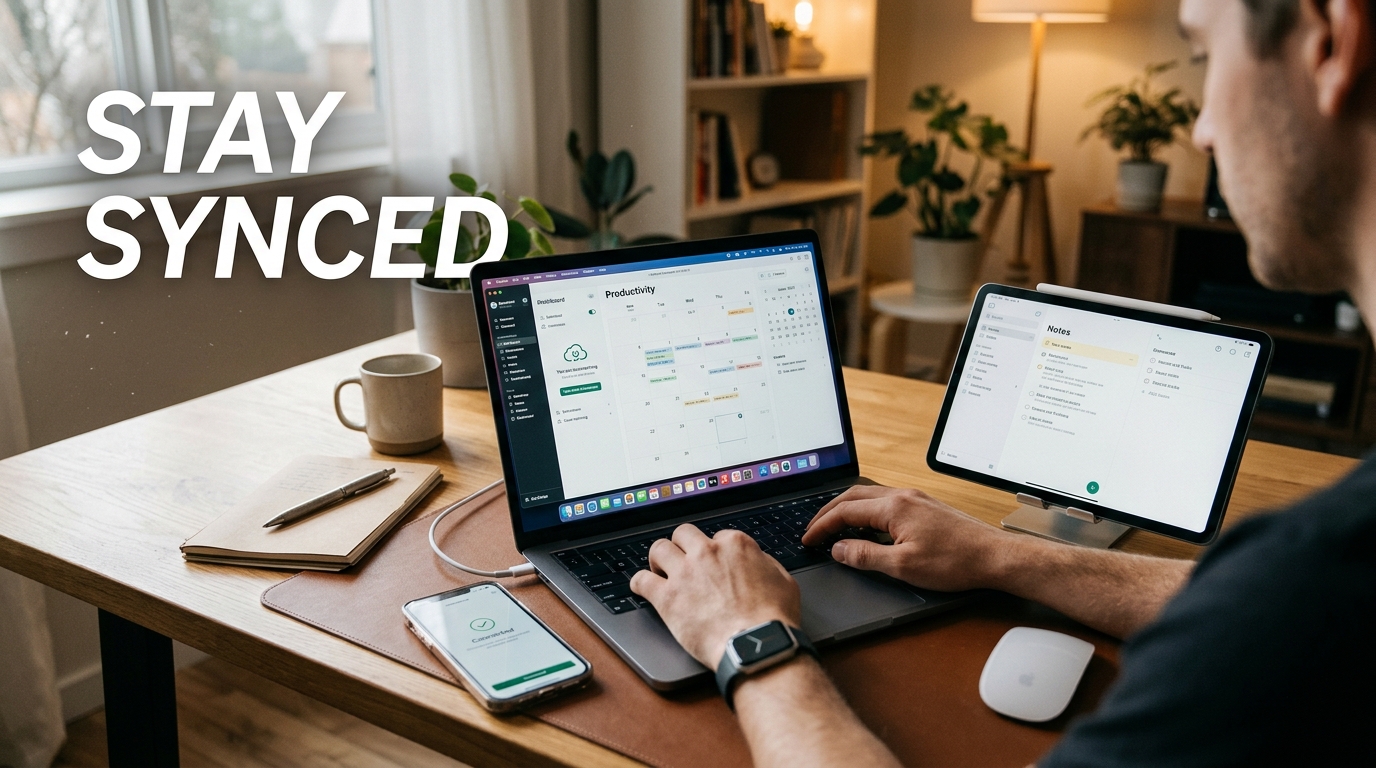
Tired of constantly switching between devices and feeling like you’re drowning in a sea of scattered information? Say goodbye to the chaos and hello to seamless productivity by learning how to sync your devices like a pro. Imagine effortlessly transitioning from your phone to your laptop without missing a beat, with all your important files and information at your fingertips. By mastering the art of syncing your devices, you can supercharge your productivity and streamline your workflow like never before. Say hello to a more organized and efficient you!
Benefits of Syncing Devices
Synchronize your devices seamlessly with the power of syncing. By connecting your devices, you can access your data from anywhere, ensuring you have the latest information at your fingertips. Syncing also eliminates the need for manual updates, saving you time and effort. Whether it’s contacts, calendars, or files, syncing allows you to keep everything up to date across all your devices.
Furthermore, syncing devices enhances productivity and efficiency by streamlining your workflow. You can work on one device and seamlessly switch to another without missing a beat. This level of synchronization promotes collaboration and consistency among your devices, making it easier to stay organized and focused on your tasks.
Choosing the Right Syncing Method
Choosing the right syncing method for your devices is crucial to ensure seamless connectivity and data transfer. There are various options available, including cloud-based syncing, USB connections, and wireless syncing. Cloud syncing, such as using services like Google Drive or iCloud, offers convenience and accessibility, allowing you to access your data from anywhere with an internet connection. USB connections provide a direct and secure way to transfer data between devices, ideal for those concerned about privacy. Wireless syncing, through technologies like Bluetooth or Wi-Fi, offers flexibility and eliminates the need for physical cables.
Factors to consider when selecting a syncing method:
1. Security: Evaluate the security measures of each method to protect your data from unauthorized access.
Speed: Consider the speed of data transfer offered by each syncing method to ensure efficient sharing of information.
Compatibility: Check the compatibility of the syncing method with your devices to avoid any compatibility issues that may arise.
Convenience: Choose a syncing method that aligns with your workflow and provides the level of convenience you require for syncing your devices.
Step-by-Step Guide to Syncing Your Devices
To successfully sync your devices, follow these straightforward steps:
Step 1: Choose the syncing method that best suits your needs – whether it’s cloud-based, cable connection, or wireless syncing.
Step 2: Ensure that all devices are connected to the same network or have access to the same cloud service for seamless syncing.
Step 3: Initiate the syncing process on each device by following the specific instructions provided by the manufacturer.
Step 4: Monitor the syncing progress to ensure that all data, files, and settings are transferring correctly.
Step 5: Once the syncing is complete, verify that all devices have the updated information and are working in harmony.
Troubleshooting Common Syncing Issues
Encountering syncing problems is not uncommon, but with the right approach, they can be resolved efficiently:
Issue 1: Inconsistent data transfer – ensure that all devices are properly connected and have stable internet connections.
Issue 2: Syncing errors – troubleshoot by restarting the syncing process, checking for software updates, or resetting network settings.
Issue 3: Device compatibility problems – verify that all devices support the chosen syncing method and update any outdated software or firmware.
Troubleshooting Common Syncing Issues
Syncing devices can sometimes encounter issues that disrupt the seamless flow of data between them. One common problem users face is connectivity issues, where devices fail to establish a stable connection for syncing. This can be due to network problems, software glitches, or compatibility issues between devices. It’s essential to troubleshoot connectivity problems by checking network settings, updating software, and ensuring devices are compatible with each other.
Data inconsistency is another prevalent syncing issue that users may encounter. This occurs when the data on one device does not match the data on another, leading to discrepancies and errors. To resolve data inconsistency problems, users should ensure that all devices are set to sync the same data, regularly check for updates, and manually reconcile any differences between devices. By addressing these common syncing issues promptly, users can ensure a smooth and efficient syncing experience across their devices.
Tips for Maintaining Synced Devices
Regular Backups: It’s crucial to regularly back up your devices to ensure you don’t lose any important data. Set up automated backup schedules to make this process hassle-free.
Update Software: Keep your devices’ operating systems and apps up to date to ensure smooth syncing functionality. Updates often include bug fixes and improvements that can enhance the syncing experience.
Secure Your Devices: Implement strong security measures such as using passcodes, biometric authentication, and encryption to protect your synced devices from unauthorized access.
Monitoring Syncing Performance
Monitor the syncing performance of your devices regularly to catch any issues early on. Check for error messages, incomplete syncs, or delays in data transfer, and address them promptly to maintain seamless syncing.
Optimize Settings: Adjust syncing settings based on your usage patterns and needs. For example, you can choose to sync specific folders or data types to optimize storage space and syncing efficiency.
Network Connection: Ensure a stable and secure network connection for syncing to avoid interruptions or data loss. Use trusted networks and avoid public Wi-Fi for sensitive data syncing.
Ensuring that your devices are synced and working seamlessly together is essential in today’s interconnected world. By following the steps outlined in this guide and choosing the right syncing method for your needs, you can experience the benefits of a more efficient and productive digital ecosystem. Remember to troubleshoot any common syncing issues that may arise to maintain a smooth syncing experience.
By implementing the tips for maintaining synced devices provided here, you can prolong the life of your devices and optimize their performance over time. Stay organized, regularly check for updates, and be proactive in addressing any syncing issues that may arise. With a well-synced set of devices, you can streamline your workflow, access your data seamlessly across platforms, and enhance your overall digital experience.