
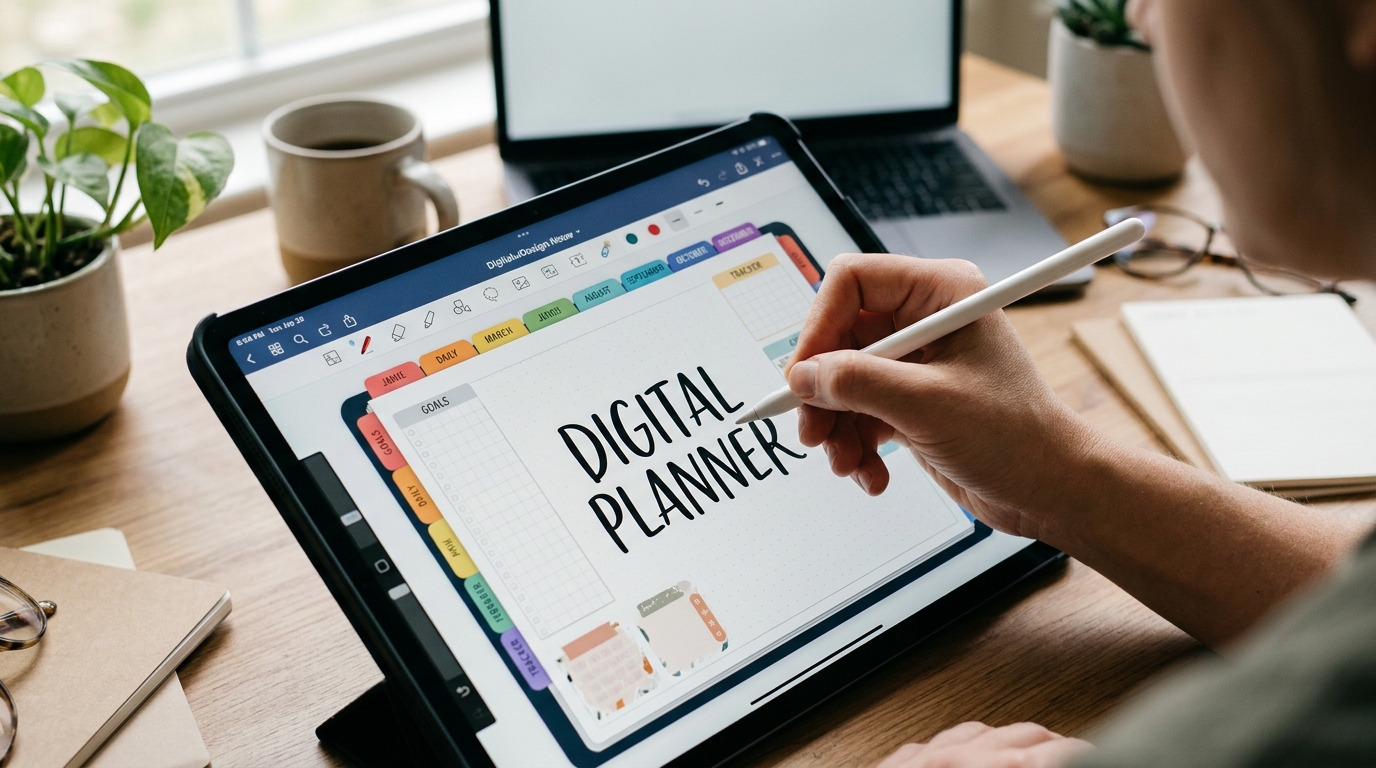
Are you tired of juggling multiple notebooks, sticky notes, and to-do lists? It’s time to step into the digital age and create a planner that works seamlessly for you. Imagine having all your schedules, tasks, and goals neatly organized in one place, accessible with just a few clicks or taps. Building a digital planner is not just about going paperless; it’s about increasing your productivity, staying organized, and ultimately, reclaiming your sanity. In this guide, we’ll explore how you can design and customize a digital planner that fits your unique needs and helps you stay on top of your game. Let’s dive in and transform the way you plan and organize your life!Benefits of Using a Digital Planner
Using a digital planner offers numerous advantages that make it a valuable tool for staying organized and efficient. One of the key benefits is the ability to access your planner from anywhere, at any time, as long as you have an internet connection. This flexibility allows you to stay on top of your tasks and schedule even when you are on the go. Additionally, digital planners often come with features such as reminders, notifications, and the ability to set recurring tasks, making it easier to keep track of important deadlines and appointments.
Another benefit of using a digital planner is the ease of making changes and updates. Unlike traditional paper planners, digital planners allow you to edit, rearrange, and delete items with just a few clicks, eliminating the need for messy eraser marks or cross-outs. Furthermore, digital planners typically offer customization options, such as the ability to color code tasks, add stickers or images, and create different categories or sections, helping you personalize your planning experience to suit your preferences and workflow.
Benefits of Using a Digital Planner
Increased Efficiency: Digital planners allow for quick and easy organization of tasks, events, and reminders. With features like drag-and-drop functionality and automatic syncing across devices, users can streamline their planning process and stay on top of their schedules effortlessly.
Customization Options: Digital planners offer a wide range of customization options, from choosing different layouts and color schemes to adding personalized stickers and labels. This flexibility allows users to tailor their planner to suit their unique preferences and needs, making it a truly personalized organizational tool.
Choosing the Right Tools
When selecting a digital planner, it’s essential to consider factors such as compatibility with your devices, user interface design, and integration with other applications you use regularly. Look for a tool that offers seamless syncing across all your devices and provides intuitive features that align with your planning style.
Additionally, evaluate the customer support and community resources available for the tool, as these can be valuable sources of assistance and inspiration. Take advantage of free trials or demos to test out different options and determine which tool best meets your requirements before committing to a subscription.
Setting Up Your Digital Planner
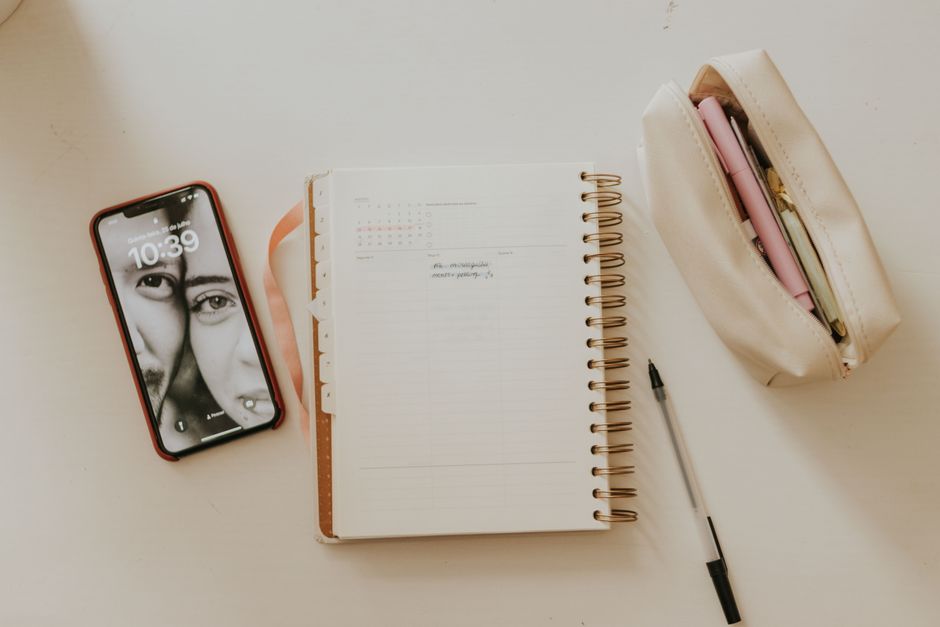
Setting up your digital planner is a crucial step to ensure its effectiveness in helping you stay organized and productive. Begin by choosing a digital planner tool that aligns with your preferences and needs, whether it’s a simple app or a more comprehensive software program. Next, customize your planner by creating different sections for tasks, goals, appointments, and notes. Make sure to input all relevant information accurately to optimize the functionality of your digital planner. Organize your planner in a way that makes sense to you, whether it’s by day, week, or month, and establish a routine for updating and maintaining it regularly.
Customizing Your Planner
Customizing your digital planner allows you to personalize it according to your unique style and workflow. Add color-coding to categorize tasks, use different fonts for various sections, and include stickers or images to make it visually appealing. Tailor your planner to suit your specific needs by incorporating features such as to-do lists, habit trackers, and goal-setting templates. Experiment with different layouts and designs until you find one that enhances your productivity and motivates you to stay organized. Remember, the more customized your digital planner is, the more likely you are to engage with it consistently and derive maximum benefits from its use.
Customizing Your Planner
Customizing Your digital planner allows you to tailor it to your specific needs and preferences. By adding personalized sections, color-coding categories, and incorporating your unique style, you can make your planner a reflection of your personality and workflow. Customization options often include choosing different layouts, adding stickers or emojis, and setting up reminders for important tasks.
Furthermore, customizing your digital planner can enhance your productivity and organization by creating a system that aligns with how you work best. Whether you prefer a minimalist design or a more detailed layout, the ability to customize your planner ensures that it serves as a valuable tool that meets your individual requirements.
Using Your Digital Planner Effectively
Using your digital planner effectively involves more than just entering tasks and events. It requires developing a consistent routine for updating and reviewing your planner regularly. Utilize features such as notifications and alerts to stay on top of deadlines and appointments.
Additionally, take advantage of the flexibility of a digital planner by syncing it across multiple devices for easy access wherever you are. Experiment with different organizational strategies, such as categorizing tasks by priority or setting recurring reminders, to find what works best for your workflow. By incorporating your digital planner into your daily routine and optimizing its features, you can maximize its benefits and improve your overall productivity.
Using Your Digital Planner Effectively
Staying organized and productive is crucial for success, and utilizing a digital planner effectively can greatly enhance your efficiency. One key aspect of using your digital planner effectively is to consistently update and maintain it. Make it a habit to input new tasks, deadlines, and appointments promptly to ensure you stay on top of your schedule. Additionally, take advantage of features such as reminders and notifications to keep yourself on track.
Another important tip for maximizing the benefits of your digital planner is to utilize categorization and tags effectively. Organize your tasks and events into different categories or labels to easily prioritize and filter through them. By assigning tags to specific tasks, you can quickly identify and focus on important items, making your planning process more streamlined and efficient.
In conclusion, digital planners offer a convenient and efficient way to organize your tasks, events, and goals in one central location. By transitioning to a digital planner, you can streamline your planning process, access your information from anywhere, and easily make updates or revisions as needed. The flexibility and customization options available with digital planners make them a valuable tool for individuals looking to enhance their productivity and stay organized in today’s fast-paced world.