
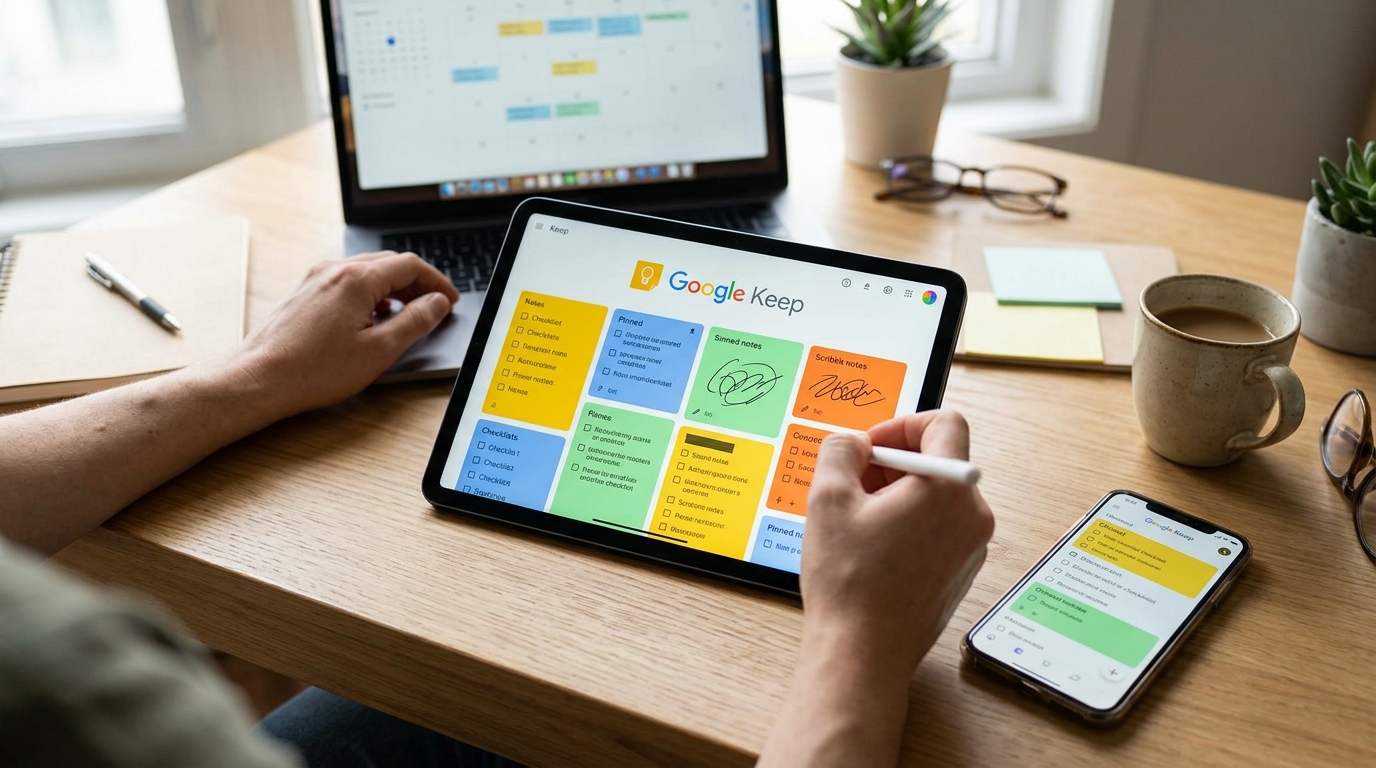
Hey there, are you tired of constantly forgetting important tasks or ideas? Well, buckle up because I’ve got some game-changing tips on how to use Google Keep effectively. This nifty tool is not just for jotting down random notes – it can revolutionize the way you organize your life and boost your productivity to new heights. From creating to-do lists and setting reminders to collaborating with others and organizing your thoughts, Google Keep is a powerful yet simple tool that can help you stay on top of your game. So, if you’re ready to take your productivity to the next level, keep reading to discover how you can make the most out of Google Keep.
Organizing Notes and Lists
Google Keep provides a simple yet powerful platform for organizing your notes and lists efficiently. With features like color-coding, labels, and reminders, you can easily categorize and prioritize your tasks. Create separate notes for different projects or categories, making it easy to find and manage your information. Utilize the checklist feature to track your progress on tasks and ensure nothing slips through the cracks. You can also use labels to group related notes together, providing a structured approach to your organization.
Customizing with Colors and Labels
One of the key features of Google Keep is the ability to customize your notes with colors and labels. Assign specific colors to different categories or priorities, making it visually appealing and easy to differentiate between tasks at a glance. Labels allow you to tag notes with keywords or themes, enabling you to quickly filter and search for specific content. By leveraging colors and labels effectively, you can streamline your workflow and stay organized with minimal effort.
Setting Reminders and Collaborating
Google Keep offers a convenient way to set reminders for your notes and lists, ensuring you never miss an important task or event. Simply add a reminder to a specific note or list, and Google Keep will alert you at the scheduled time or when you reach a specific location. You can also collaborate with others by sharing your notes and lists, allowing multiple users to view and edit them in real-time. This feature is perfect for team projects, shopping lists, or simply sharing ideas with friends and family.
Using Labels and Colors
Labels and colors in Google Keep help you stay organized and visually categorize your notes and lists. You can assign different colors to notes based on priority or category, making it easy to distinguish between them at a glance. Additionally, labels allow you to group related notes together, creating a more structured and efficient system for managing your information. By utilizing labels and colors effectively, you can streamline your workflow and increase productivity in your daily tasks.

Using Labels and Colors
Google Keep offers a user-friendly way to organize your notes and lists with the use of labels and colors. Labels help you categorize your notes based on different topics or projects, making it easier to find and manage them. You can assign multiple labels to a single note for more flexibility in organization. Additionally, colors allow you to visually distinguish between various notes, making it quick to identify important items at a glance. By utilizing labels and colors effectively, you can streamline your workflow and stay organized with ease.
Utilizing Labels
When creating a new note in Google Keep, you can easily assign a label by clicking on the “Add label” option. This feature allows you to create custom labels or choose from existing ones to categorize your notes efficiently. By using descriptive labels, you can quickly filter and search for specific notes, saving you time and improving productivity. Furthermore, the ability to color code labels adds a visual element to your organization, making it visually appealing and intuitive to navigate your notes.
Integrating with Other Apps
Google Keep offers seamless integration with a variety of other apps, making it a versatile tool for enhancing productivity. With the ability to sync across devices and platforms, users can access their notes and lists from anywhere, at any time. Integration with Google Drive allows for easy sharing and collaboration on documents, spreadsheets, and presentations.
Furthermore, Google Keep can be integrated with Google Calendar, enabling users to set reminders and deadlines directly from their notes. Integration with Google Docs allows for quick access to notes while working on documents, enhancing workflow efficiency. With the ability to integrate with other Google services and third-party apps, Google Keep becomes a central hub for organizing and managing information.
Tips for Productivity with Google Keep
Boost your productivity with Google Keep by utilizing its key features effectively. Start by creating different colored labels for various categories of notes or tasks. This will help you visually organize and prioritize your items at a glance. Additionally, make use of the reminder feature to set deadlines for important tasks and ensure you stay on track.
Furthermore, collaborate with team members by sharing notes and lists, enabling seamless communication and task delegation. Take advantage of the ability to add images and voice recordings to your notes for more dynamic content. Lastly, use the search function to quickly locate specific notes or lists, saving you time and increasing efficiency in your workflow.
Conclusion and Final Thoughts
Google Keep is a versatile tool that offers a simple and efficient way to organize your notes, lists, and reminders. With its user-friendly interface and seamless integration with other Google apps, it is a valuable resource for enhancing productivity and staying organized in both personal and professional settings. By utilizing features such as labels, colors, and collaboration options, users can tailor their experience to suit their individual needs.
Overall, Google Keep proves to be a reliable companion for those looking to streamline their workflows and manage tasks effectively. Whether you are a student, professional, or someone simply looking to stay on top of daily responsibilities, Google Keep provides a convenient platform to capture ideas, set reminders, and collaborate with others. Embrace the power of Google Keep to boost your productivity and simplify your daily routines.