
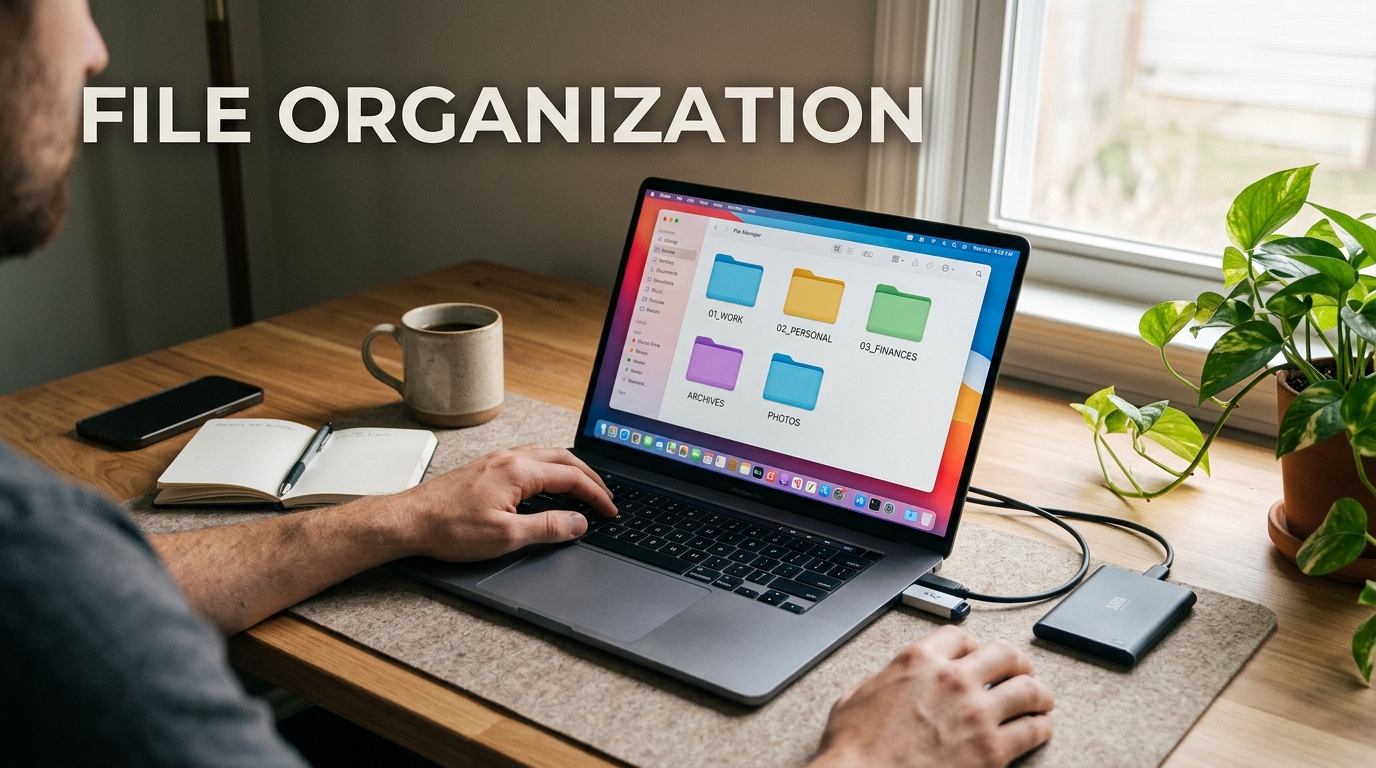
Are you drowning in a sea of digital clutter, desperately trying to find that one important document buried somewhere on your computer? Fear not, because I’m here to rescue you from the chaos and show you the way to digital file nirvana. In today’s fast-paced world, where everything from work documents to family photos is stored on our devices, having an organized digital filing system is essential for our sanity and productivity. By implementing a few simple strategies and tips, you can transform your digital mess into a well-organized oasis of efficiency and peace of mind. So let’s roll up our sleeves, declutter those virtual shelves, and get ready to conquer the digital jungle once and for all.
Importance of Organizing Digital Files
Organizing digital files is crucial for efficiency and productivity in both personal and professional settings. A well-structured file system allows for easy access to information, reduces clutter, and minimizes the risk of losing important data. By organizing digital files effectively, individuals and businesses can save time searching for documents, improve collaboration among team members, and ensure that critical information is securely stored and readily available.
Furthermore, a well-organized digital file system can enhance data management practices, facilitate compliance with regulations such as data protection laws, and contribute to overall data security. Properly organizing digital files not only streamlines workflow processes but also helps individuals and organizations maintain a clear overview of their information assets, enabling better decision-making and operational efficiency.
Choosing the Right File Organization System
When it comes to choosing the right file organization system, it’s essential to consider factors such as the volume and types of files you need to manage, the level of collaboration required, and your specific workflow needs. Depending on your preferences and requirements, you may opt for a hierarchical folder structure, metadata tagging, or a combination of both to categorize and label your digital files effectively.
Additionally, selecting a file organization system that aligns with your existing software tools and platforms can further enhance productivity and ease of access. Whether you prefer a chronological, alphabetical, or categorical approach to file organization, the key is to establish a system that is intuitive, scalable, and sustainable over time to ensure seamless navigation and retrieval of information.
Importance of Organizing Digital Files
Effective file organization is crucial for businesses and individuals alike. It streamlines workflow, enhances productivity, and saves valuable time that would otherwise be spent searching for misplaced files. A well-organized digital file system not only boosts efficiency but also reduces the risk of losing important data. By categorizing and labeling files appropriately, you can easily retrieve information when needed, maintain consistency across projects, and collaborate seamlessly with team members.
Choosing the Right File Organization System
When selecting a file organization system, it’s essential to consider your specific needs and preferences. Some popular options include alphabetical, chronological, categorical, and numerical filing systems. Each system has its advantages and is suitable for different types of data. For example, an alphabetical system works well for organizing documents by title or client name, while a categorical system may be more suitable for grouping files by project or department. Ultimately, the key is to choose a system that is intuitive, scalable, and aligns with your workflow.

Importance of Organizing Digital Files
Organizing digital files is crucial for efficiency and productivity in both personal and professional settings. Without a well-structured system, locating specific files becomes time-consuming and frustrating. Proper organization not only saves time but also reduces the risk of losing important data. Additionally, a clutter-free digital environment promotes a clearer mindset and enhances focus. By establishing a logical file organization framework, individuals and businesses can streamline workflows, collaborate effectively, and maintain a sense of order in the digital realm.
Tips for Maintaining a Well-Organized File Structure
Consistent Naming Conventions
Use clear and descriptive file names that reflect the content and purpose of the file. Avoid generic names or a string of random characters. Consistency in naming conventions makes it easier to search for and identify files quickly.
Regular Folder Cleanup
Periodically review and declutter your folders by deleting obsolete files and reorganizing as needed. This practice prevents accumulation of unnecessary data and ensures that your file structure remains efficient and manageable over time.
Tools and Software for File Organization
When it comes to managing and organizing digital files efficiently, having the right tools and software can make a world of difference. There are various options available that cater to different needs and preferences. File organization tools like Dropbox, Google Drive, or Microsoft OneDrive offer cloud-based storage solutions that allow you to access your files from anywhere with an internet connection. These platforms also provide collaboration features, making it easier to work on files with team members or share them with clients.
For those looking for more robust file organization systems, software like Evernote, Trello, or Notion can be incredibly useful. These tools offer advanced organization features such as tagging, categorizing, and setting reminders, helping you keep your digital files structured and easily accessible. Whether you prefer a simple cloud storage solution or a more comprehensive organizational tool, there are plenty of options available to help you streamline your digital file management.
Backing Up and Securing Your Digital Files
Backing up your digital files is crucial to prevent data loss and ensure business continuity. Implementing a robust backup strategy involves creating multiple copies of your important files and storing them in different locations, such as external hard drives, cloud storage services, or network drives. Regularly scheduled backups help safeguard against hardware failures, accidental deletions, or cyber-attacks.
Securing your digital files is equally important to protect sensitive information from unauthorized access. Utilize encryption methods to secure your files, set up strong passwords, and implement access controls to limit who can view or modify the data. Regularly updating security software and conducting security audits can help identify vulnerabilities and mitigate potential risks.
Organizing your digital files is essential for productivity, efficiency, and peace of mind. By implementing a structured file organization system and utilizing the right tools and software, you can save time searching for documents, reduce clutter, and ensure easy access to important files. Remember to regularly maintain your file structure, back up your data, and secure your files to prevent loss or unauthorized access. Embracing good file organization habits will not only streamline your workflow but also contribute to a more organized and stress-free digital environment. Start organizing your files today and experience the benefits of a well-maintained digital workspace.