
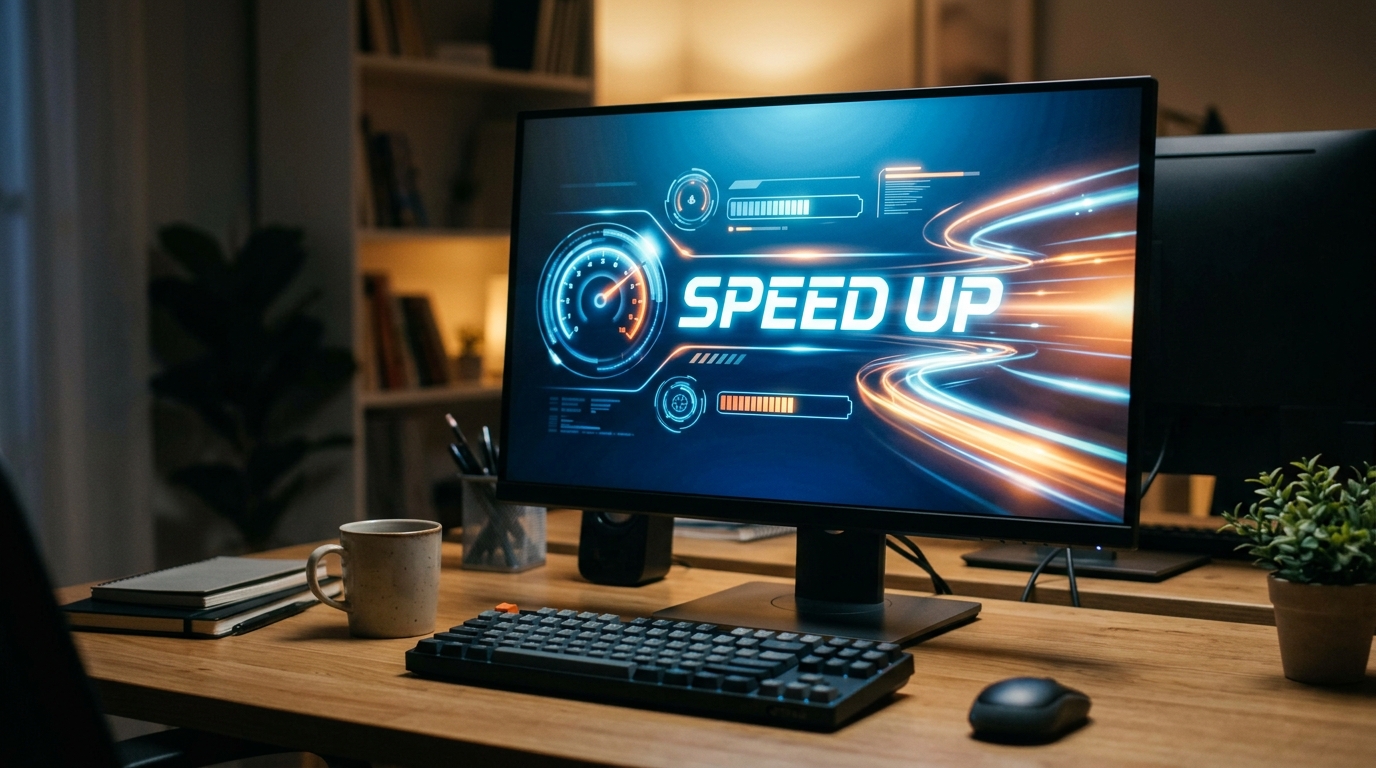
Is your computer feeling sluggish and unresponsive? Don’t worry, you’re not alone. We’ve all experienced the frustration of a slow computer at some point. But fear not, there are ways to give your trusty machine a boost and get it running faster than ever. In this blog post, we’ll explore some simple and effective methods to speed up your slow computer, so you can get back to browsing, working, and gaming without the annoying lag. Say goodbye to long loading times and hello to a faster, more efficient computer with these handy tips and tricks.
Causes of a Slow Computer
Common causes of a slow computer can include a build-up of temporary files, outdated software, insufficient RAM, and too many programs running in the background. When the hard drive becomes cluttered with unnecessary files or the software is not updated regularly, it can lead to decreased performance. Additionally, having too many programs running simultaneously can strain the computer’s resources, causing it to slow down. Identifying and addressing these issues can help improve the overall speed and efficiency of your computer.
Tips for Improving Computer Performance
There are several effective tips for improving computer performance that can help optimize your system. First, consider uninstalling unused programs and deleting unnecessary files to free up space on your hard drive. Updating software and drivers regularly can also enhance performance by ensuring that your system is running on the latest versions. Running regular malware scans and removing any viruses can prevent them from affecting your computer’s speed. Additionally, upgrading hardware components such as adding more RAM or switching to a solid-state drive can significantly boost performance.
Cleaning Up Your Hard Drive
When your computer’s hard drive is cluttered with unnecessary files and programs, it can significantly impact its performance. Cleaning up your hard drive is essential to free up space and improve overall speed. Start by deleting temporary files, old downloads, and unused applications. You can also use disk cleanup tools to identify and remove large files that are taking up valuable space. Organizing your files into folders and regularly emptying the recycle bin can also help optimize your hard drive’s performance. Consider investing in an external hard drive to store important files and media to further declutter your computer’s primary storage.
Updating Software and Drivers
Regularly updating your software and drivers is crucial for maintaining a healthy computer system. Outdated software and drivers can lead to compatibility issues, security vulnerabilities, and performance problems. Check for updates for your operating system, antivirus software, web browsers, and other essential programs. Device drivers should also be kept up to date to ensure optimal performance of hardware components. Set up automatic updates whenever possible to ensure that your computer stays current with the latest patches and enhancements. By staying proactive with software and driver updates, you can help prevent potential issues and keep your computer running smoothly.
Updating Software and Drivers
One common reason for a slow computer is outdated software and drivers. Keeping your operating system, applications, and device drivers up to date is essential for optimal performance. Manufacturers regularly release updates to improve stability, security, and speed. By updating your software and drivers, you can ensure that your computer is running efficiently and effectively.
How to Update Software and Drivers
To update your software, check for available updates within each program or use a dedicated software updater tool. For drivers, you can visit the manufacturer’s website or use Windows Device Manager to search for and install the latest drivers for your hardware components. Regularly checking for updates and installing them promptly can help prevent performance issues and keep your computer running smoothly.
Cleaning Up Your Hard Drive
Hard drive clutter can significantly slow down your computer’s performance. Over time, files and programs accumulate on your hard drive, taking up valuable space and causing your system to run slower. To clean up your hard drive, start by removing unnecessary files and programs that you no longer use. Use disk cleanup tools to free up space and organize your files more efficiently. Consider transferring large files to an external drive or cloud storage to alleviate strain on your hard drive.
Regularly defragmenting your hard drive can also help optimize its performance by rearranging data more efficiently. Additionally, make sure to check for errors on your hard drive and repair any issues that may be impacting its functionality. By keeping your hard drive clean and well-maintained, you can improve your computer’s speed and responsiveness.
Updating Software and Drivers
Outdated software and drivers can cause compatibility issues and slow down your computer. It is essential to regularly update your operating system, applications, and device drivers to ensure optimal performance. Check for updates from the official websites of software providers or use built-in update tools to keep your system current.
Updating software not only improves performance but also enhances security by patching vulnerabilities. By staying up-to-date with the latest software versions and drivers, you can ensure that your computer runs smoothly and efficiently. Set up automatic updates where possible to streamline the process and avoid potential slowdowns due to outdated software.
Removing Malware and Viruses
Malware and viruses can wreak havoc on your computer’s performance, causing slow speeds, system crashes, and data loss. To optimize your computer, it is crucial to regularly scan for and remove any malicious software. Install reputable antivirus software and perform full system scans to detect and eliminate threats.
Be cautious when browsing online, downloading files, or clicking on suspicious links to prevent malware infections. Additionally, educate yourself on common phishing techniques and practice safe computing habits. By taking proactive measures to remove malware and viruses, you can safeguard your computer and enhance its overall performance.
Upgrading Hardware Components
Upgrading hardware components is a crucial step in improving the performance of a slow computer. By upgrading components such as the RAM, hard drive, or graphics card, you can significantly enhance the speed and efficiency of your system. Increasing the RAM allows your computer to handle more tasks simultaneously, resulting in faster processing speeds and smoother performance. Upgrading to a solid-state drive (SSD) can also drastically reduce boot times and application loading times. Additionally, installing a more powerful graphics card can improve the performance of resource-intensive applications and games.
Before upgrading any hardware components, it’s essential to ensure compatibility with your existing system and to follow proper installation procedures. Researching the specific requirements for each component and seeking professional advice if needed can help you make informed decisions about which upgrades will provide the most significant performance boost for your computer.
Additional Resources for Computer Optimization
When it comes to optimizing your computer for peak performance, there are various resources available that can provide valuable insights and tools. Online forums and communities dedicated to computer optimization are great places to seek advice from experts and fellow users. Websites such as BleepingComputer and TechSpot offer tutorials, guides, and software recommendations to help you troubleshoot and improve your computer’s speed and efficiency.
Additionally, software tools like CCleaner, Advanced SystemCare, and Malwarebytes can assist in cleaning up junk files, optimizing system settings, and removing malware. These tools often come with both free and premium versions, allowing you to choose the level of optimization that best fits your needs. Regularly consulting these resources and utilizing the tools they recommend can go a long way in keeping your computer running smoothly and efficiently.